
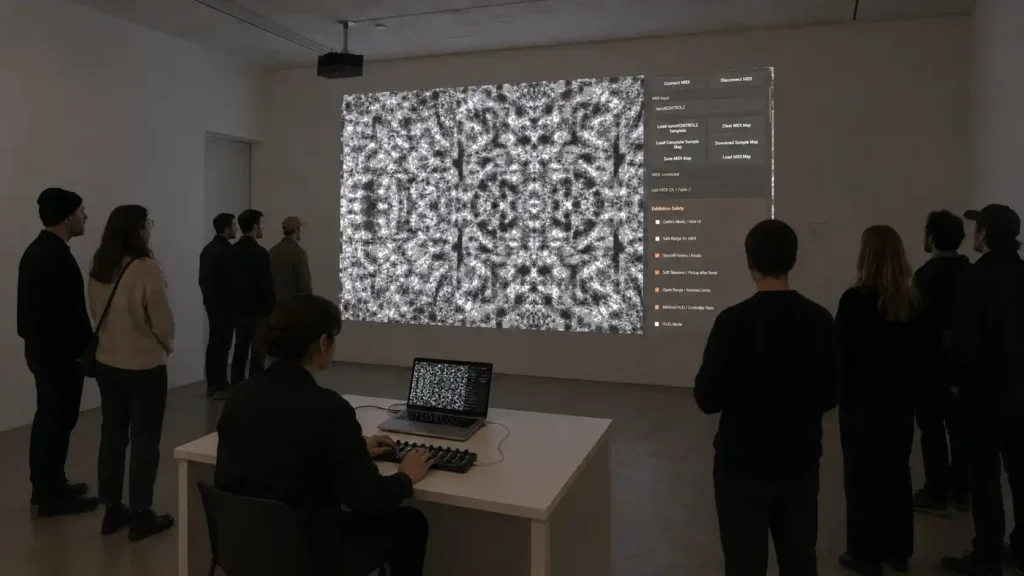
Image as Instrument
PROJECT DESCRIPTION
Visual Pattern Engine is an interactive visual system developed to make digital image-making more accessible, playful, and performative. The project allows users to upload their own images or videos and manipulate them through a set of visual parameters such as repetition, symmetry, opacity, cropping, movement, distortion, and pattern transformation.
The aim of the project is not limited to producing carpet-like patterns. While some visual structures are inspired by repetition, ornament, and textile logic, the broader purpose is to create a simple and engaging environment where people can experiment with image transformation and discover the possibilities of digital visual art.
By connecting software controls with hardware controllers, the project turns image-making into a physical and performative experience. The user does not only look at a digital image; they touch, control, change, and perform it.
PROJECT INFORMATION
Project Type
Interactive Visual System / Digital Art Tool
Medium
Web-based image engine, HTML5 Canvas, JavaScript
Interaction
Image/video upload, visual controller, keyboard shortcuts, hardware controller / MIDI-ready interface
Focus
Audience engagement, digital art accessibility, live visual experimentation
Year
2026
Status
Ongoing prototype / live performance tool

CONCEPT / CONTEXT
The project emerges from a concern with audience development in the field of digital art. For many people, digital art, generative systems, code-based visuals, and live visual performance can feel distant, technical, or inaccessible. This project attempts to reduce that distance.
Instead of presenting digital art as a closed technical practice, Visual Pattern Engine creates a direct and intuitive entry point. A user can upload a personal image, move a slider, turn a knob, press a button, and immediately see how the image changes. This simple act opens a space for curiosity, experimentation, and visual discovery.
The project is therefore both an artwork and a tool: a system for creating images, but also a platform for introducing new audiences to the language of digital image-making.
Interaction
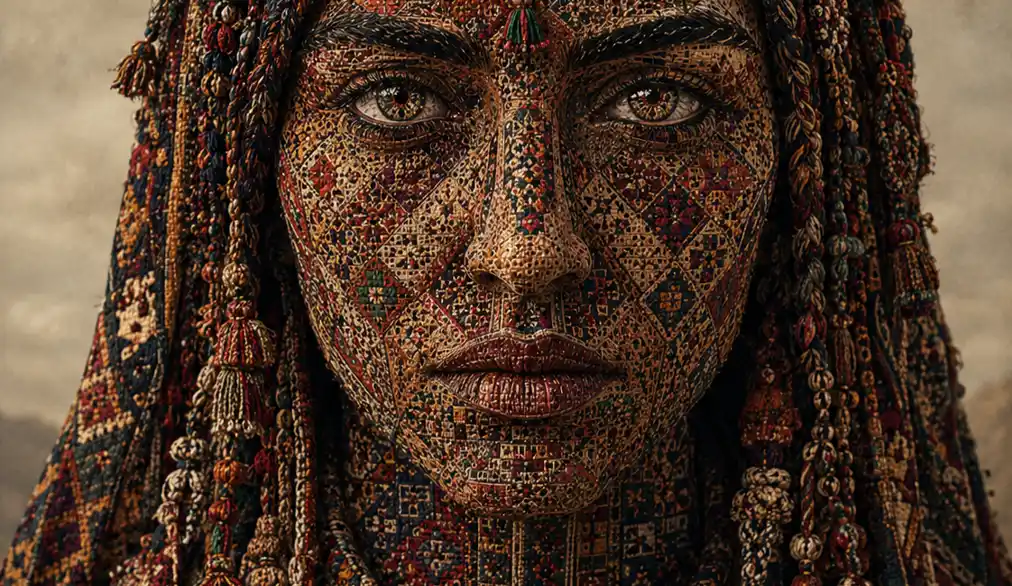
1. Image Upload
Users begin by uploading an image or video. The
uploaded media becomes the raw material for visual transformation.
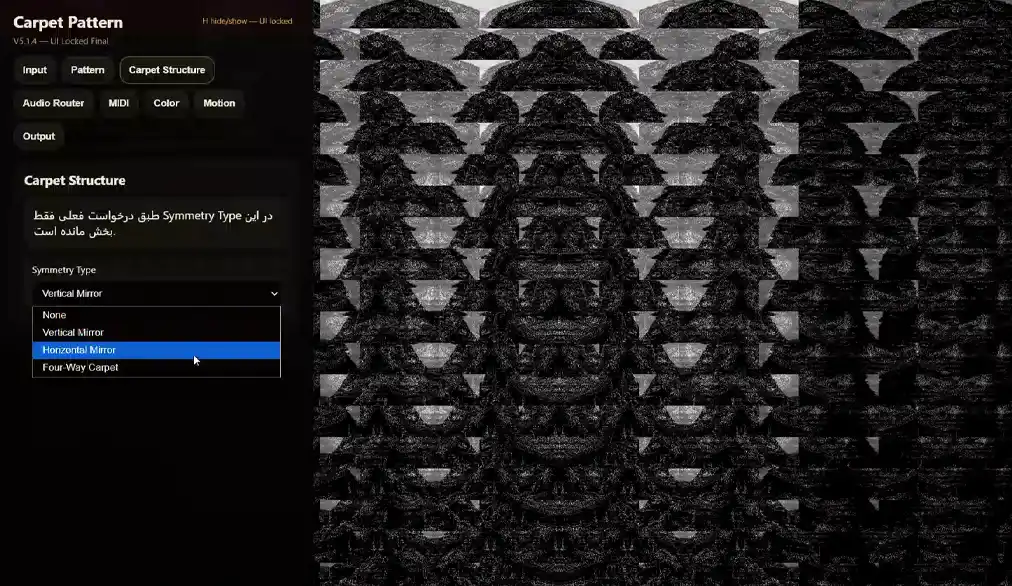
2. Visual Control Interface
Through an on-screen controller, users
can change parameters such as repeat density, symmetry, image opacity, crop movement, visual mode, and distortion.
3. Hardware Controller
The project is designed to work with physical controllers such as MIDI devices. This turns the act of image-making into a tactile experience, closer to playing an instrument or performing a live visual set.
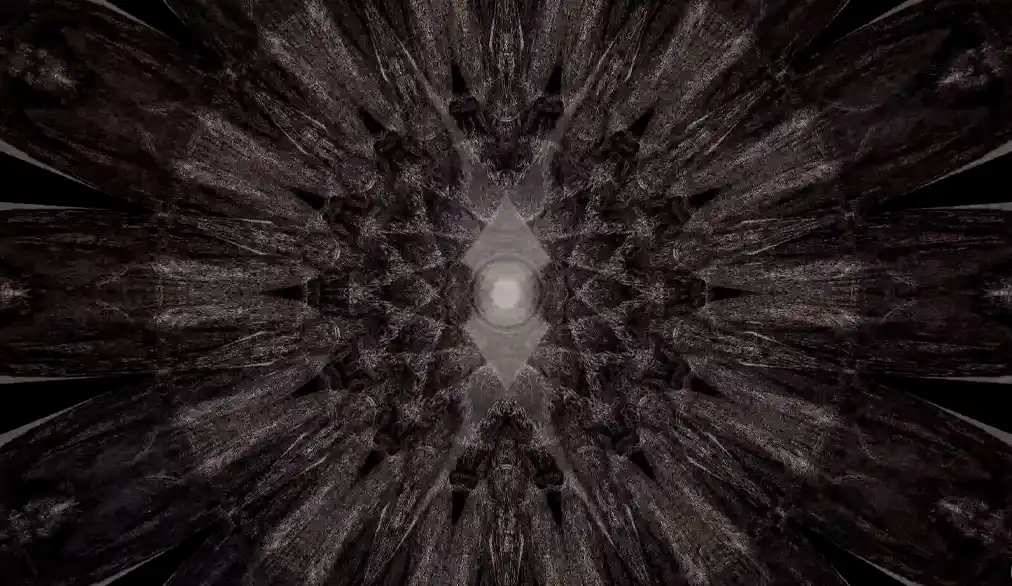
Technical Note
The project is built as a browser-based visual engine using HTML5 Canvas and JavaScript. It includes image and video input, real-time visual controls, keyboard shortcuts, fullscreen display behavior, and a structure prepared for hardware controller integration. The interface is designed so that the controller layer can be hidden during performance, while the visual output remains fullscreen and stable.